Appearance
Getting started
Fish Trap adds a block that fishes on its own. Place it underwater, give it bait, and it fills up with fish, junk and the occasional treasure.
Install
- Install Fabric with Fabric API, or NeoForge, for Minecraft 26.3.
- Put the Fish Trap jar in your
modsfolder. - Optional: add JEI to see catch chances in game, and Jade to see what a trap is doing by looking at it.
Your first trap
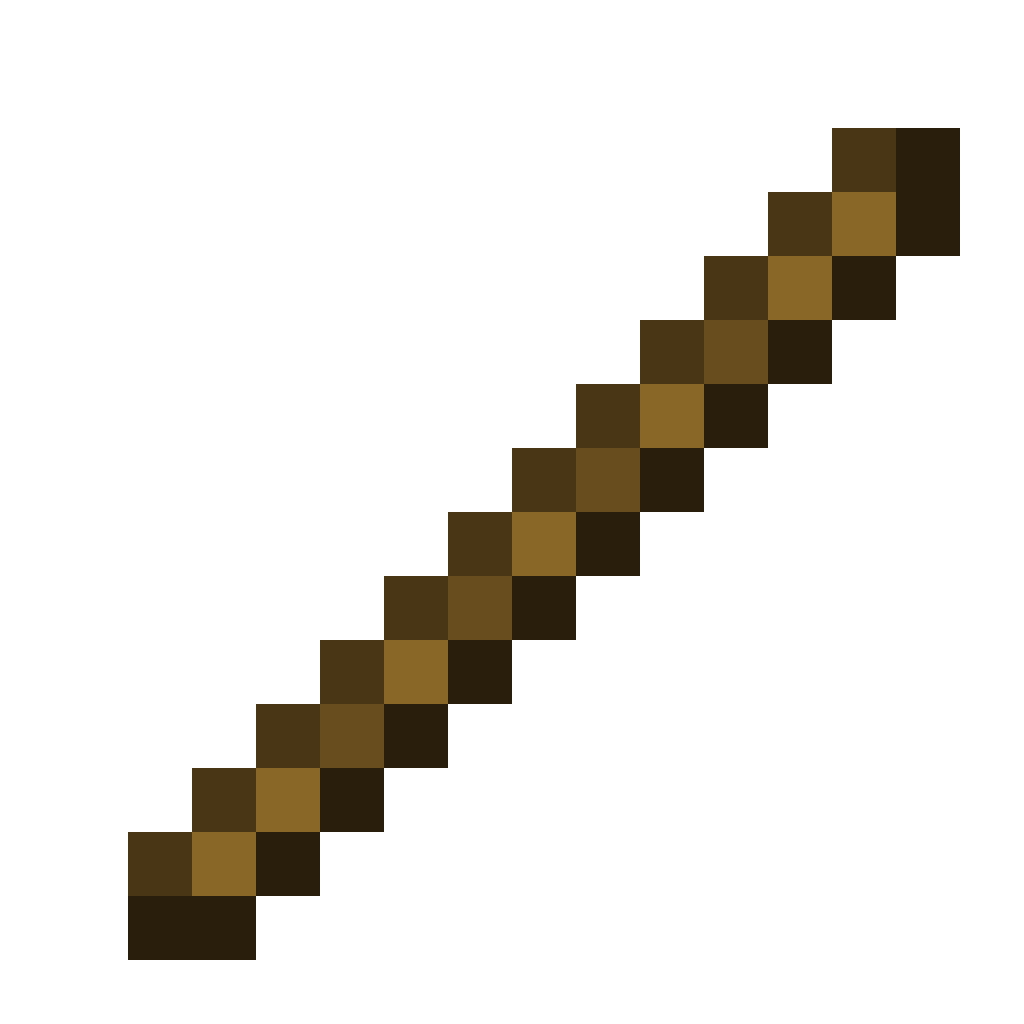
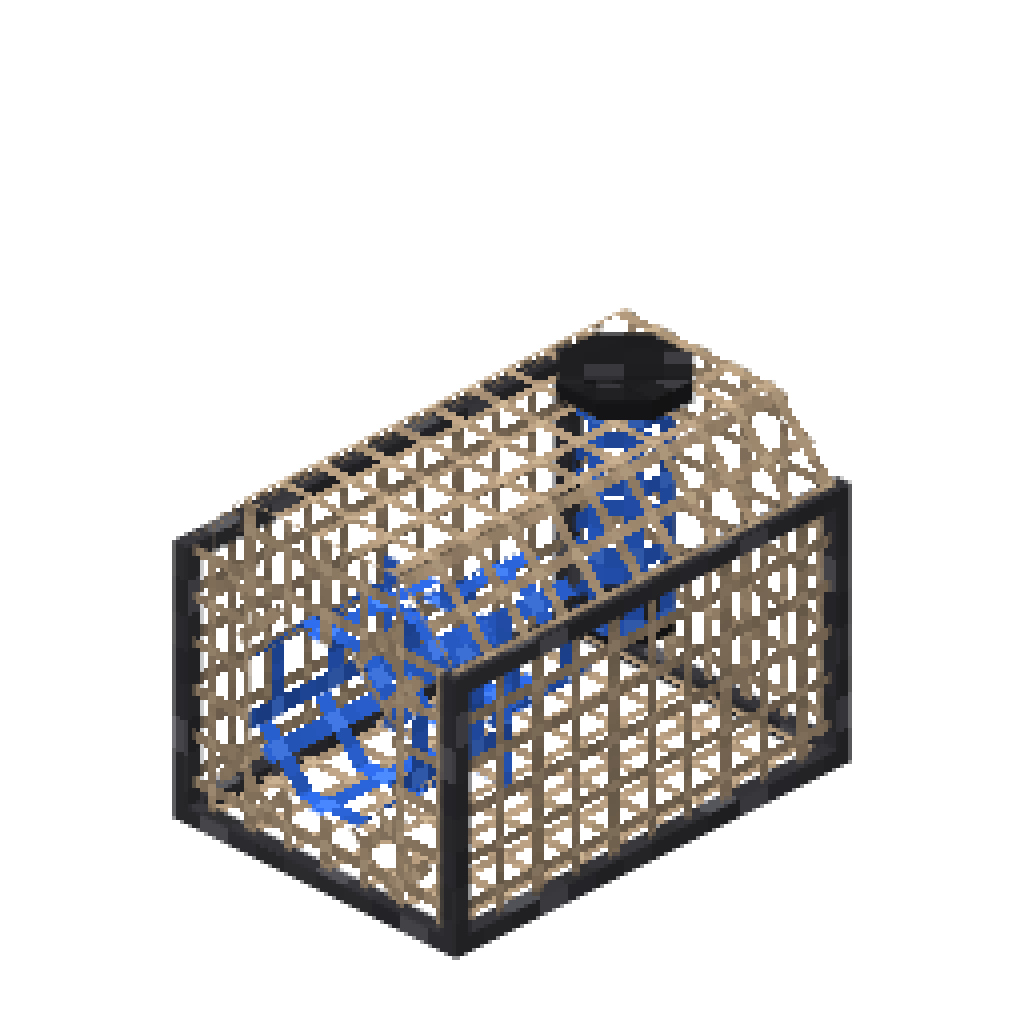
1. Craft a fish trap from sticks and string.
 Fish Trap
2. Make some bait. Plant Bait is the cheapest to start with.
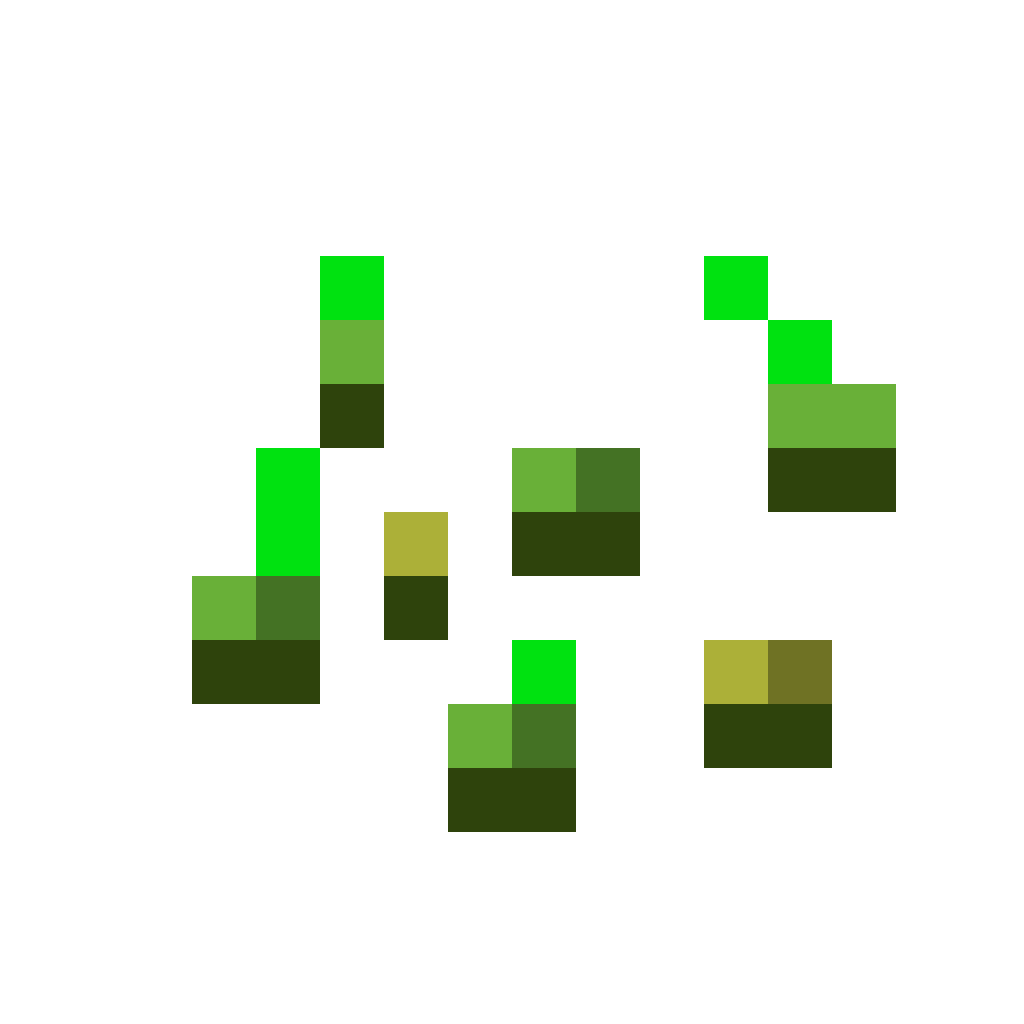
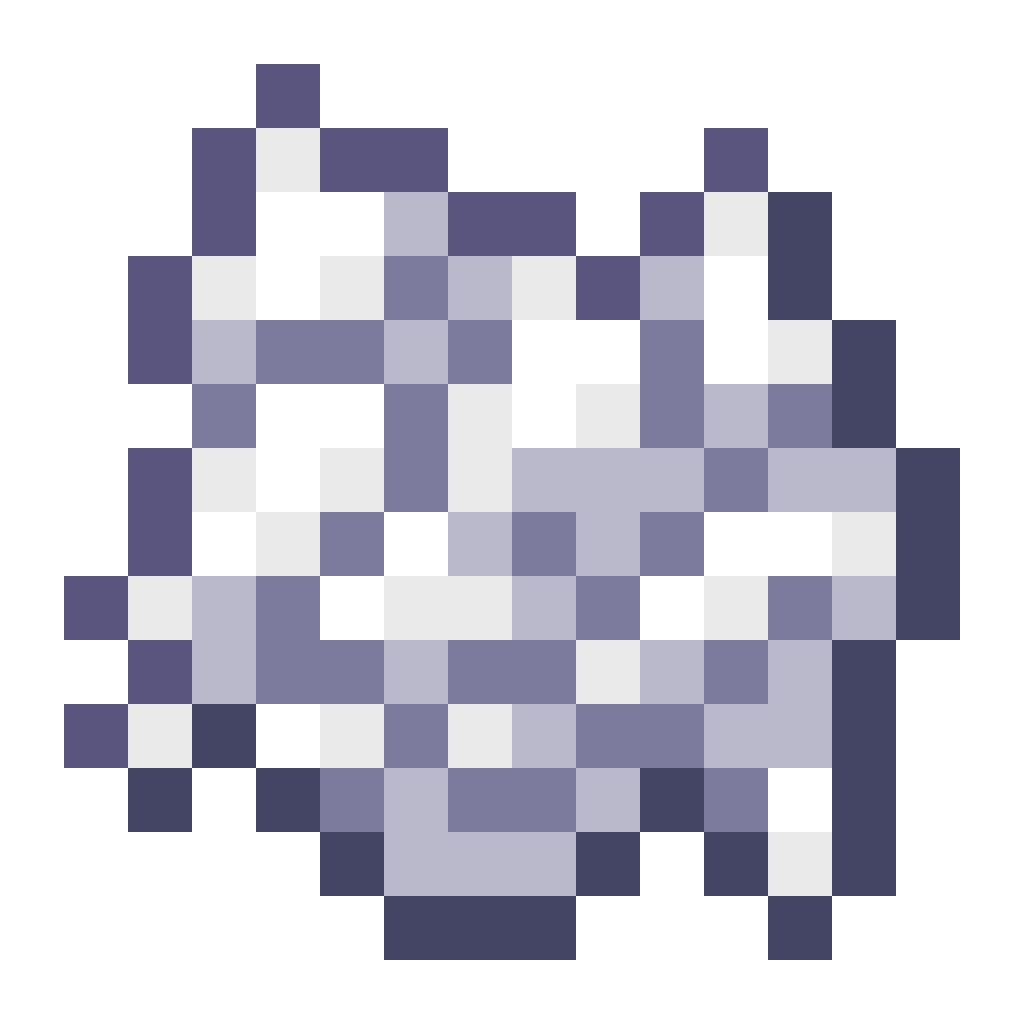
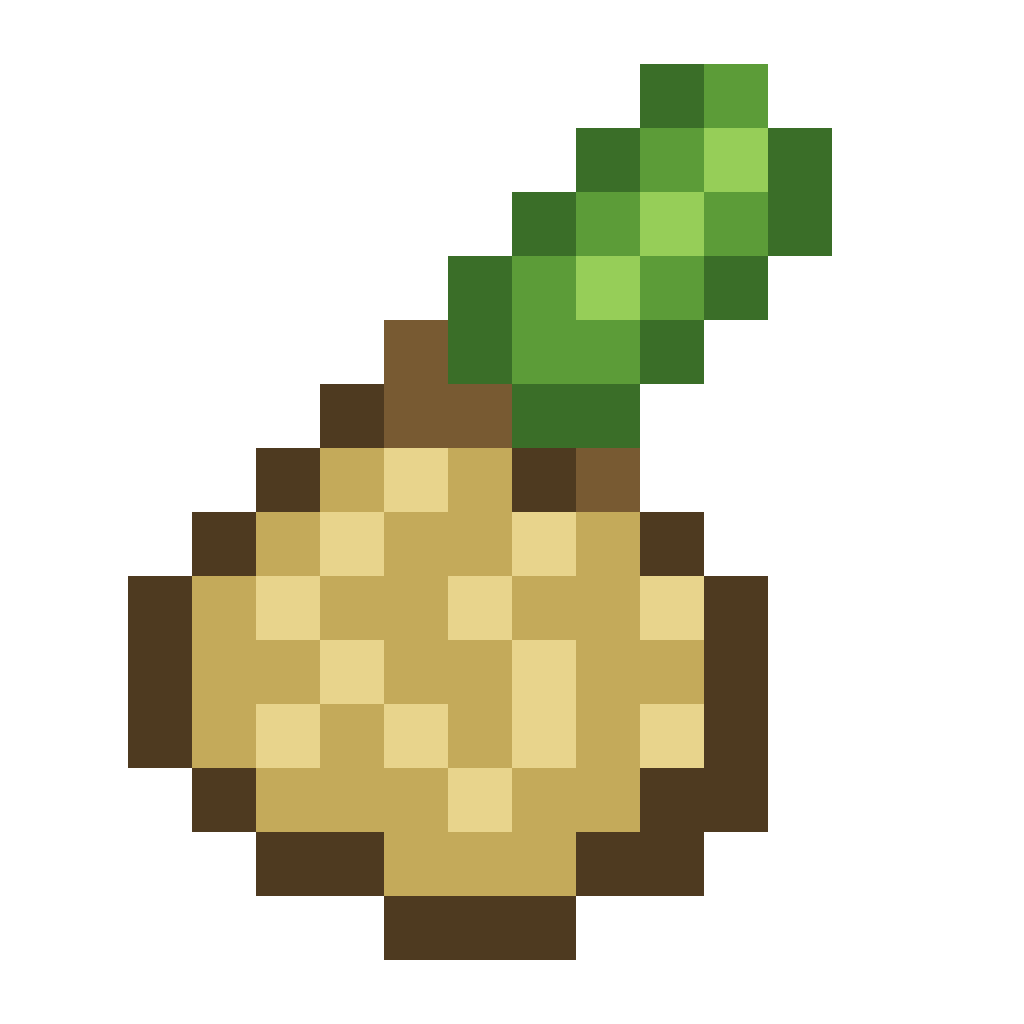 4Plant Bait
3. Place the trap fully underwater. The trap's own block has to be water, and so does the block above it. A trap in a one-block-deep puddle will not work.
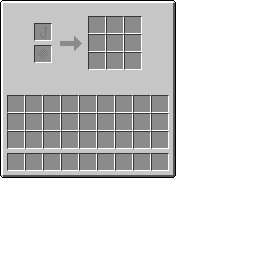
4. Open the trap and put bait in the top-left slot. The arrow fills while the trap waits for a bite. Each time it fills, one bait is used and something is added to the grid on the right.
TIP
If the trap says Not underwater, add water above it. If it says Add bait, the item in the slot is not bait.
5. Later, add a net to the slot under the bait. It makes the trap faster and luckier. Start with a Copper Net.
 Copper Net
Where to go next
- The fish trap: exactly how the timer, bait and automation work
- Bait and Nets: every upgrade and how to craft it
- Catches: what you can catch in each biome, and how bait and nets change the odds